

Reference

hz77 App: Your Casino in Your Pocket

The hz77 lobby runs in your mobile browser — no waiting, no extra downloads required to start browsing slots, live tables or cricket betting markets.

mobile browseraccount wallet accessdevice compatibility checkavailability depends on region
hz77 hz77 App: Your Casino in Your Pocket
hz77 Mobile Access in 3 Steps

Mobile Access in 3 Steps

Getting into the hz77 lobby on your phone is straightforward whether you use an Android or iOS device. Start by opening the current hz77 URL in your mobile browser — Chrome on Android and Safari on iOS both work without any plugin. From there, check the Account section to see if a native app download is currently available for your device and

region; availability can change and depends on local law and eligible regions. Once you are in, sign in using your account credentials or use the fingerprint option if your device supports it, and the full lobby loads from where you left off.

  • Open hz77 in your browser — Type the URL directly or tap a saved bookmark. The mobile site loads the full lobby without a separate install step.
  • Check app availability in Account — Head to the downloads or app section inside your account to see if a native build is currently offered for your device and region.
  • Sign in securely — Use your account credentials or enable fingerprint login under security settings for faster access on future visits.
  • Confirm your wallet is connected — Before your first mobile deposit, verify that JazzCash, Easypaisa, or Raast is linked under payment settings so the chip row works instantly.
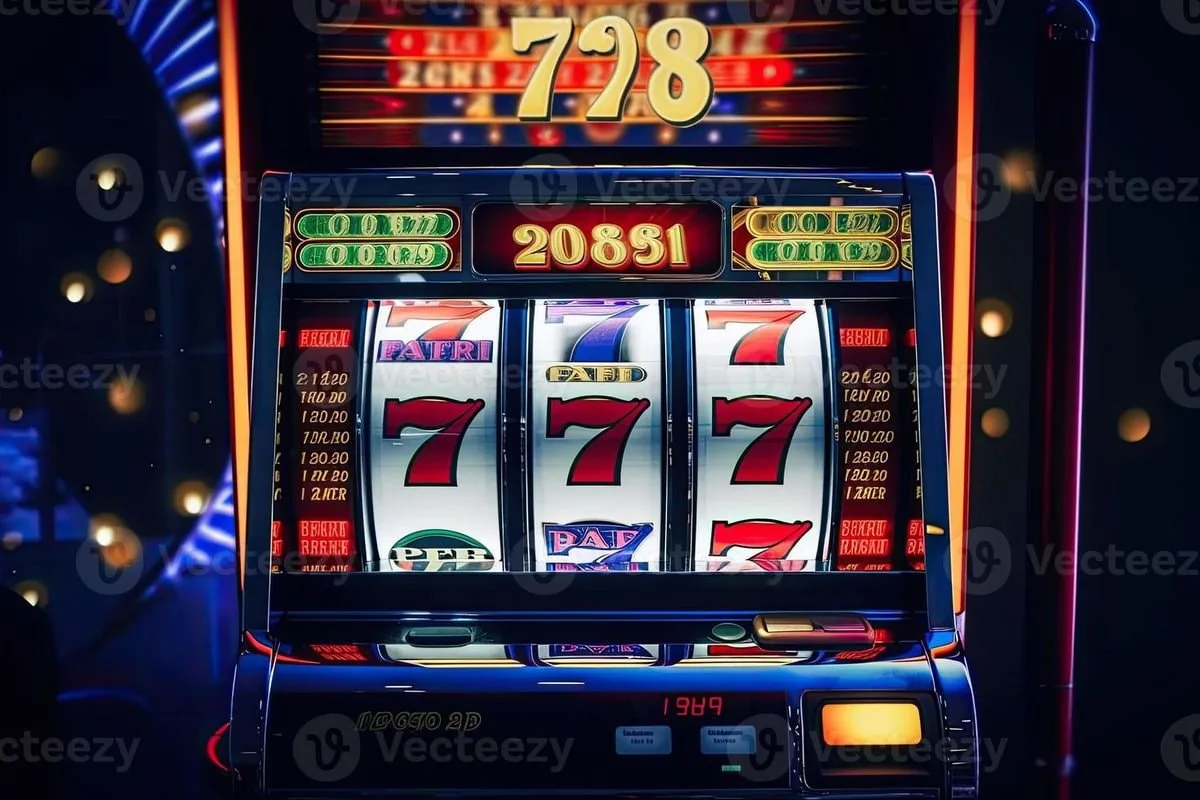
INSIDE THE MOBILE EXPERIENCE

App Capabilities Worth Knowing

These are the mobile-specific features that change how you browse and play on hz77 — less friction, faster access, and your account always within reach.

Fingerprint Login Skip the password on repeat visits. Biometric login via your device fingerprint reader gets you into the lobby without typing your credentials each time.
Push Notifications Get an alert when a withdrawal processes or when a live table you follow opens a new round. Notifications are opt-in and managed inside account settings.
Dark Mode Display The interface defaults to dark mode on mobile. It cuts screen glare during late sessions and keeps battery draw lower on OLED displays.
Quick Deposit Shortcut A chip row at the top of the lobby links directly to your JazzCash, Easypaisa, or Raast deposit flow — one tap from any game page.

Checking Your Device Compatibility

The hz77 mobile lobby is built for modern browsers and does not require specific OS versions or storage allocations we have not published. Here is what to verify on your end before your first session.

Browser supportChrome on Android and Safari on iOS are the most consistently tested browsers. Keep your browser updated to the current version for the smoothest lobby load.
Screen layoutThe lobby reflows for portrait and landscape. Live tables are better in landscape; slot games like Spinner Ladki and Roulette Dreamspin play fine in portrait.
Account requirementsYou need a verified hz77 account to access the lobby on mobile. Verification happens through the same flow as desktop — ID confirmation and wallet linking.
Native app availabilityWhether a dedicated APK or App Store build is currently live depends on your region and local law. Check the Account section for the current status rather than third-party sources.
Supported regionsAccess to hz77 on mobile is available where local law permits. Players in Lahore, Karachi and other Pakistan cities can check current eligibility inside the account dashboard.
hz77 What the hz77 App Puts in Your Hands

What the hz77 App Puts in Your Hands

Open the hz77 mobile experience and you get the full lobby — Crash SparkBurst, Baccarat Insider, live dealer tables from Evolution, and cricket sportsbook markets all load cleanly on a phone screen. The mobile session keeps your account wallet front and center so a JazzCash or Easypaisa deposit takes seconds without jumping between tabs. Push notifications alert you when a table opens

or when your withdrawal clears. Quick deposit shortcuts and fingerprint login mean you are in the lobby in three taps rather than navigating a full login form. Dark mode is on by default for late-night sessions.

Common Questions About the hz77 App

Straightforward answers to what Pakistan players ask most about getting the hz77 mobile experience set up and running.

Whether a native app is currently available depends on your region and local law. Check the downloads section inside your hz77 account for the current status — it is kept up to date.

Yes. The full lobby — including Crash SparkBurst, live tables and the sportsbook — loads in a mobile browser. Chrome on Android and Safari on iOS both work without any additional install.

The chip row at the top of the mobile lobby links to your deposit options. Select JazzCash, Easypaisa, or Raast, confirm the amount, and complete the transfer in your wallet app.

Fingerprint login is available on supported devices. Enable it under security settings in your account after your first password login, and it applies to all future mobile sessions.

Push notifications are opt-in. Once enabled, you get alerts when a withdrawal processes or when a live table event you follow opens. Manage them any time inside account settings.

First update your browser to the latest version. If the issue continues, clear the browser cache and reload hz77. For account-specific problems, contact Pakistan support through the help section.
Reference

hz77 App

Service availability depends on eligible regions and local law. Users should check local rules before opening an account.

Access may be available only where local law permits.